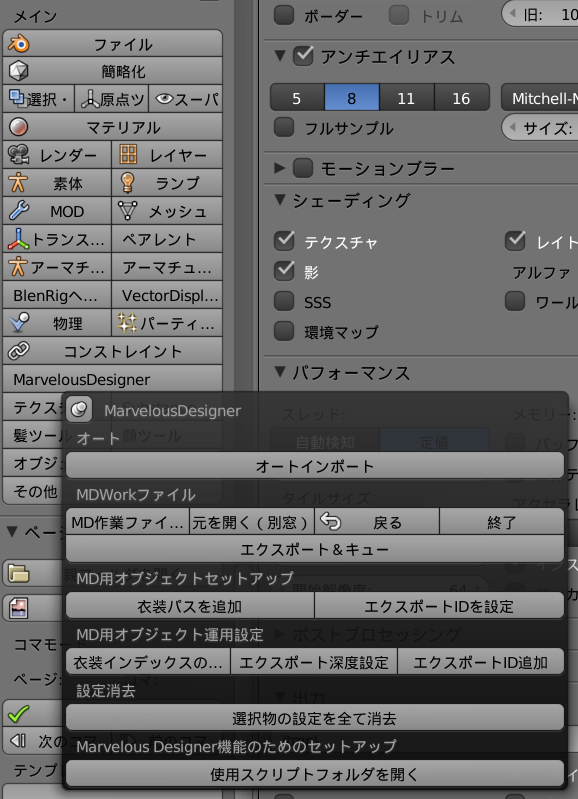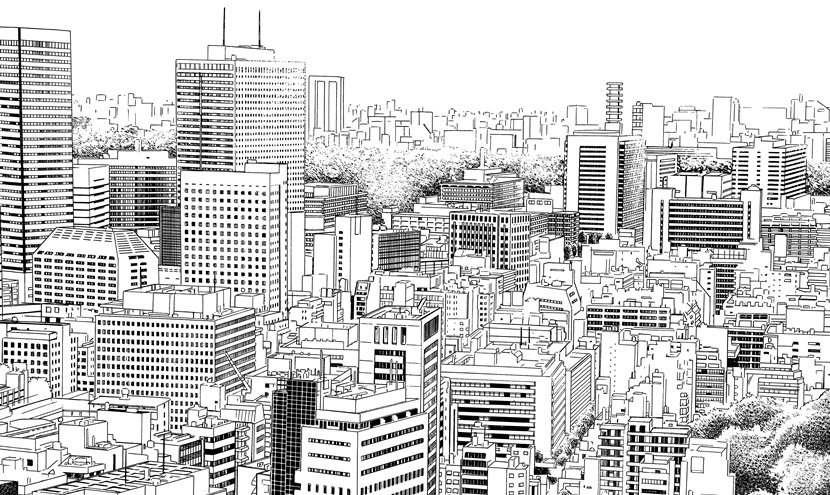
We developed an add-on that streamlines manga production using Blender, the open-source 3D software.
The efficient workflow framework that adopting 3DCG requires
Manga is often assumed to be drawn entirely by hand, but there are a growing number of cases in which 3D tools are used to improve work efficiency. By using 3D, objects such as buildings and props can be drawn efficiently without any loss of quality.
Despite these advantages, manga production with 3D tools differs significantly from the conventional workflow, and because best practices are not yet widespread, building an efficient workflow is not easy. Rendering, modeling and creating 3D line art require mastery of skills and sensibilities unique to 3DCG, and on top of that, the workload is currently heavy.
It is also difficult to build a workflow that takes into account the technical requirements of both 3DCG and manga. For example, a single manga page contains multiple panels. If you prepare a 3D background scene, render it and paste it into the page, and then work on the next panel in the same scene, a problem arises when you later want to revise a background: the working file no longer exists.
Overall, introducing 3DCG into manga production requires a framework that enables an efficient workflow.
Best practices established in real-world work, in a single package
Our CTO Sanekata, who has extensive experience in 3D direction for serialized manga in magazines such as Shonen Jump and Young Magazine, has compiled the best practices established in the course of his work into a tool. We provide a range of features that streamline manga production with 3DCG in a single package.
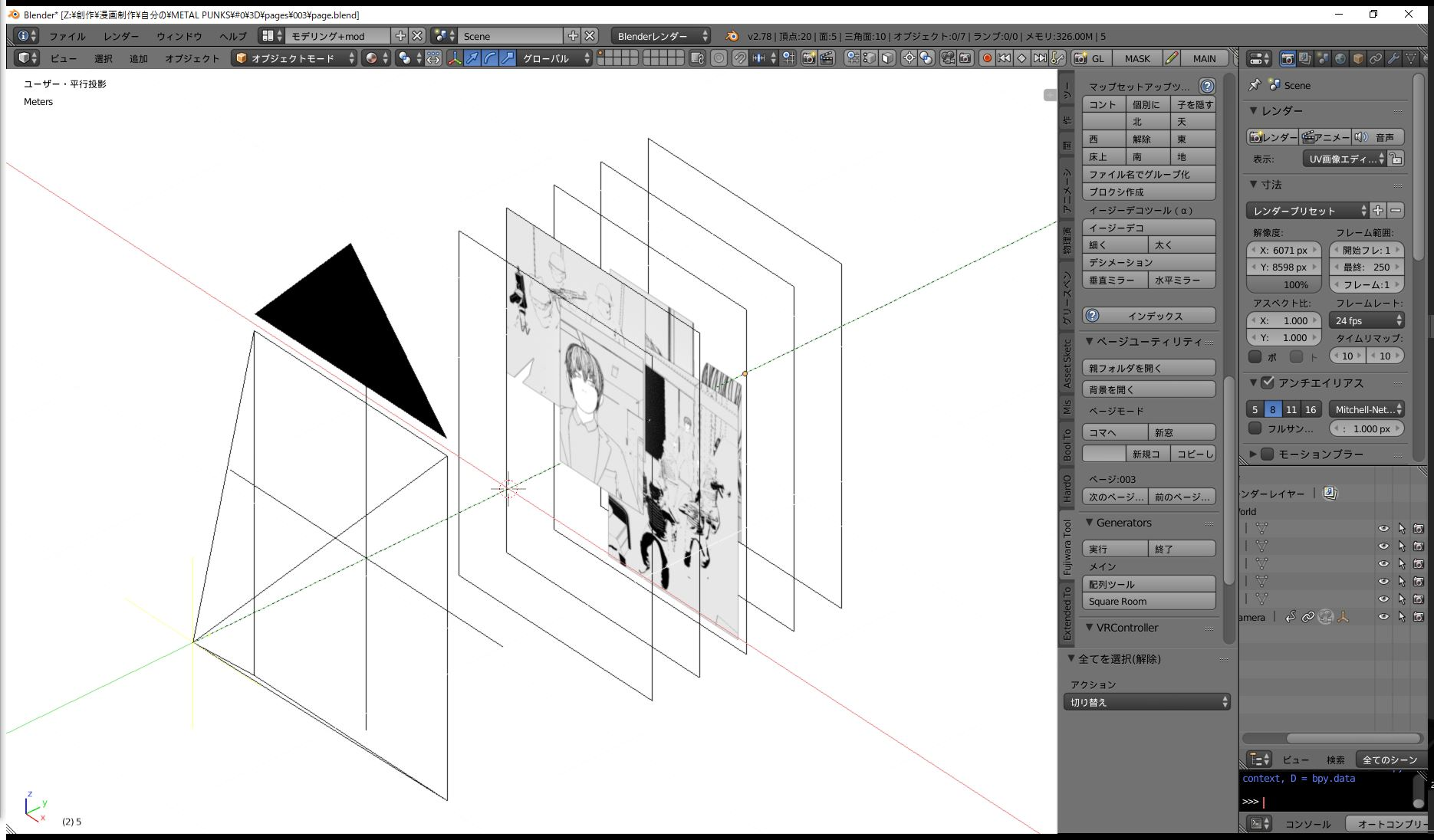
Page and panel management
Automatically creates page management folders and panel working files. It also supports switching between panels and pages.
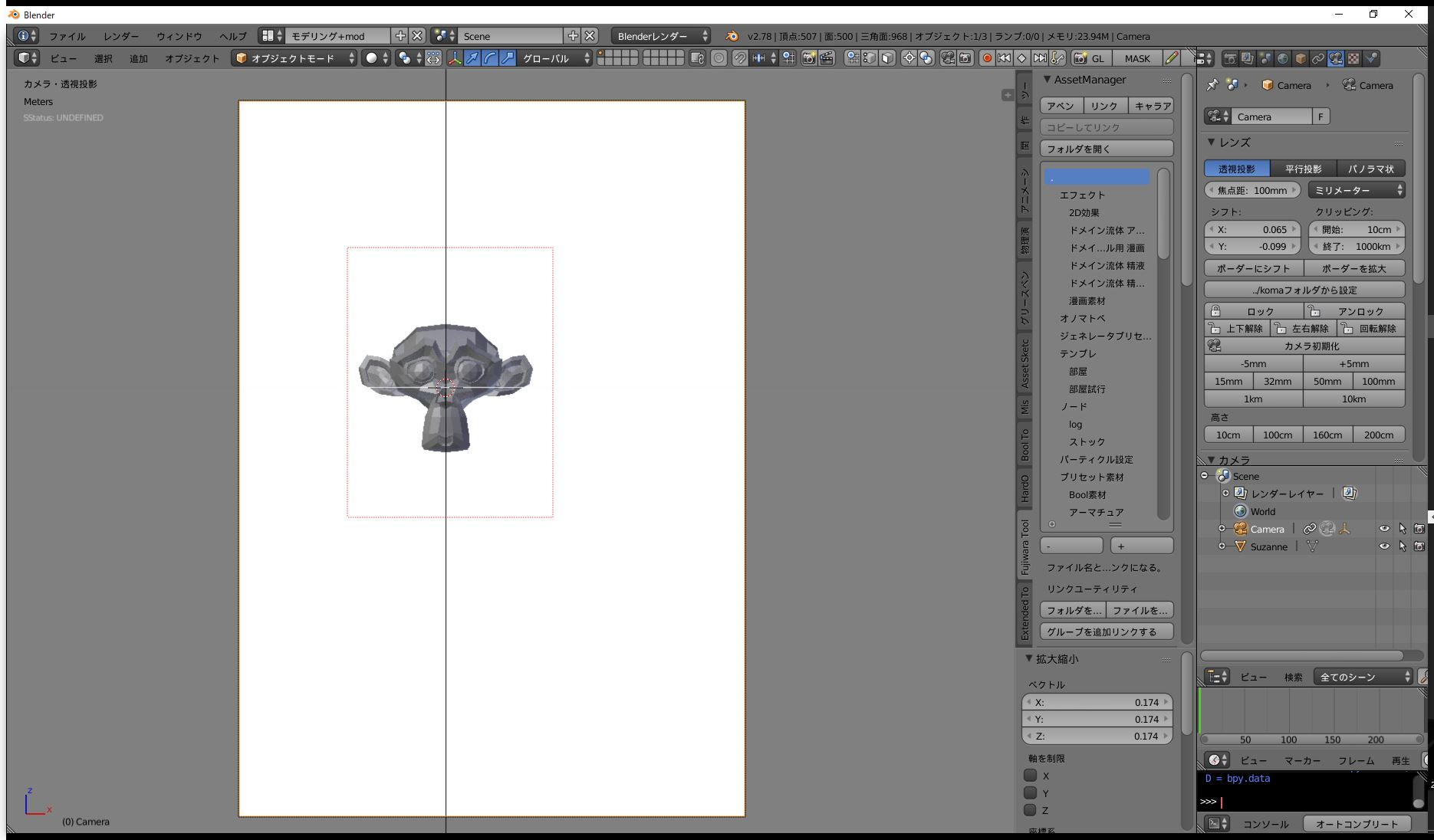
Panel layout and camera work assistance
Limits the rendering area to the panel. It includes convenient features for layout and camera work, such as setting the camera’s focal length with a single button.
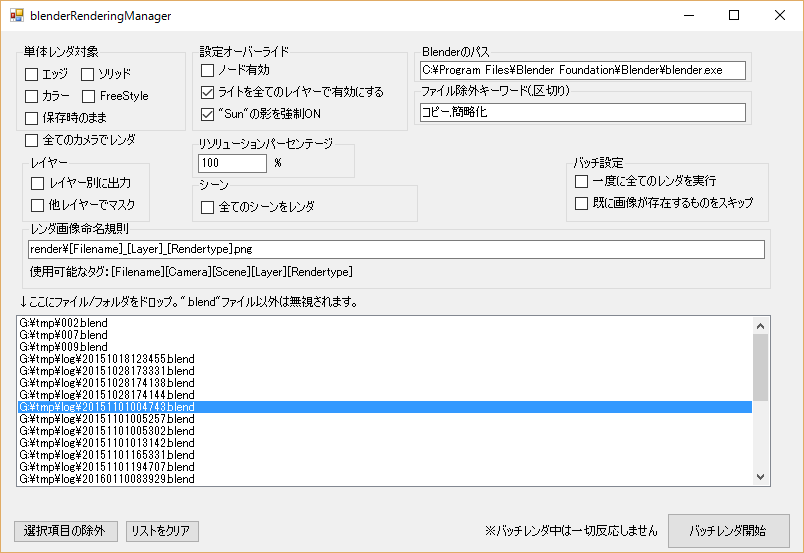
External render manager
Separate software is provided for managing rendering. It controls Blender to carry out rendering efficiently, including parallel and sequential rendering.
Cloth simulation assistance
For smooth integration with external cloth simulation software, it streamlines tasks such as inserting keyframes and exporting and importing files. A variety of procedures can be performed with a single button.