We developed VR interfaces to streamline various kinds of work related to 3DCG.
Harnessing VR’s spatial expansion to improve work efficiency
VR tends to be associated with games and amusement, but its ability to expand space can also be used to improve work efficiency. Because of input device constraints, many applications opt for gun-shaped controllers or pointer-based interfaces, but improving work efficiency called for a way of thinking different from conventional approaches.
Various VR interfaces that streamline 3DCG work
Spatial expansion of an LCD tablet
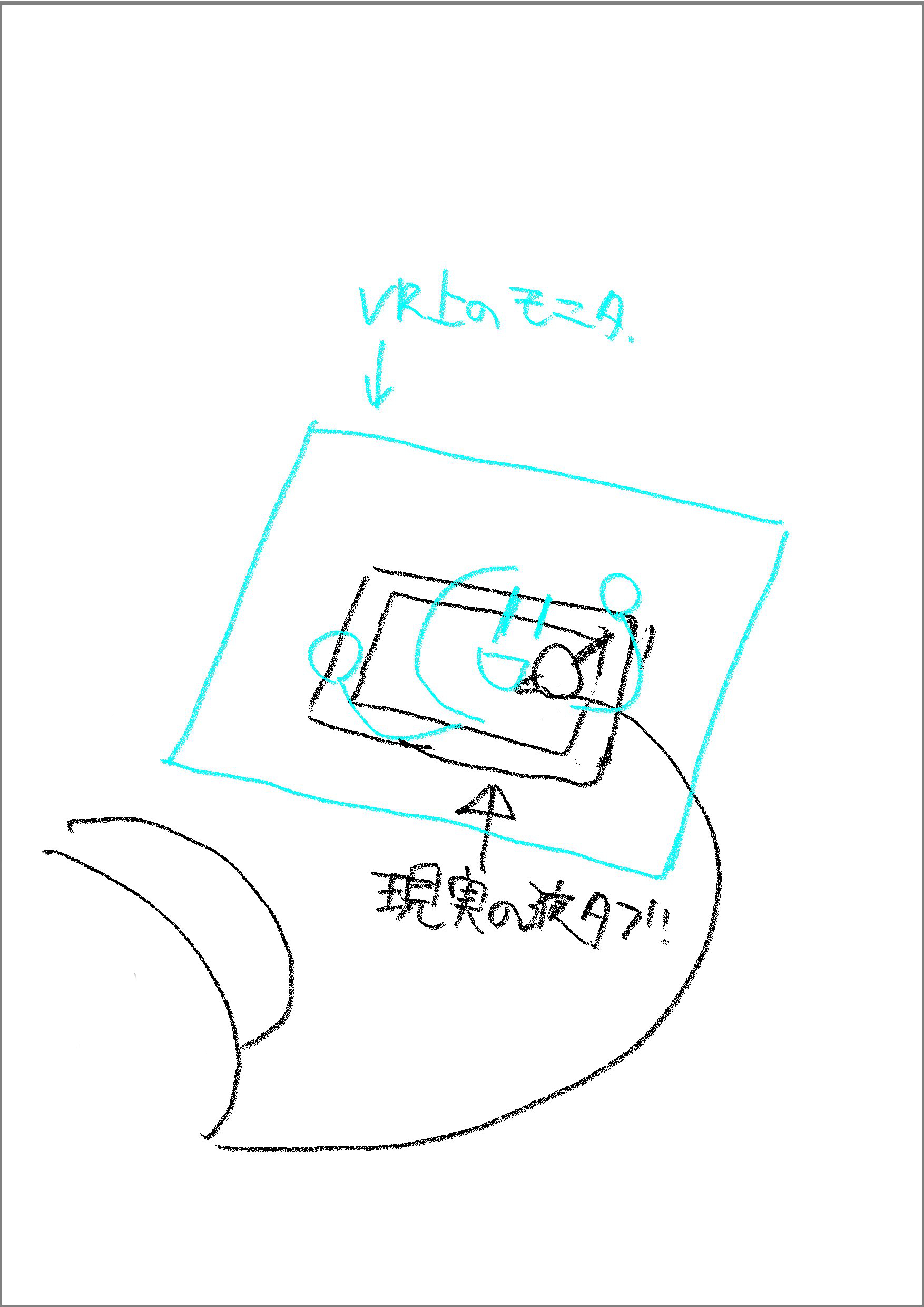
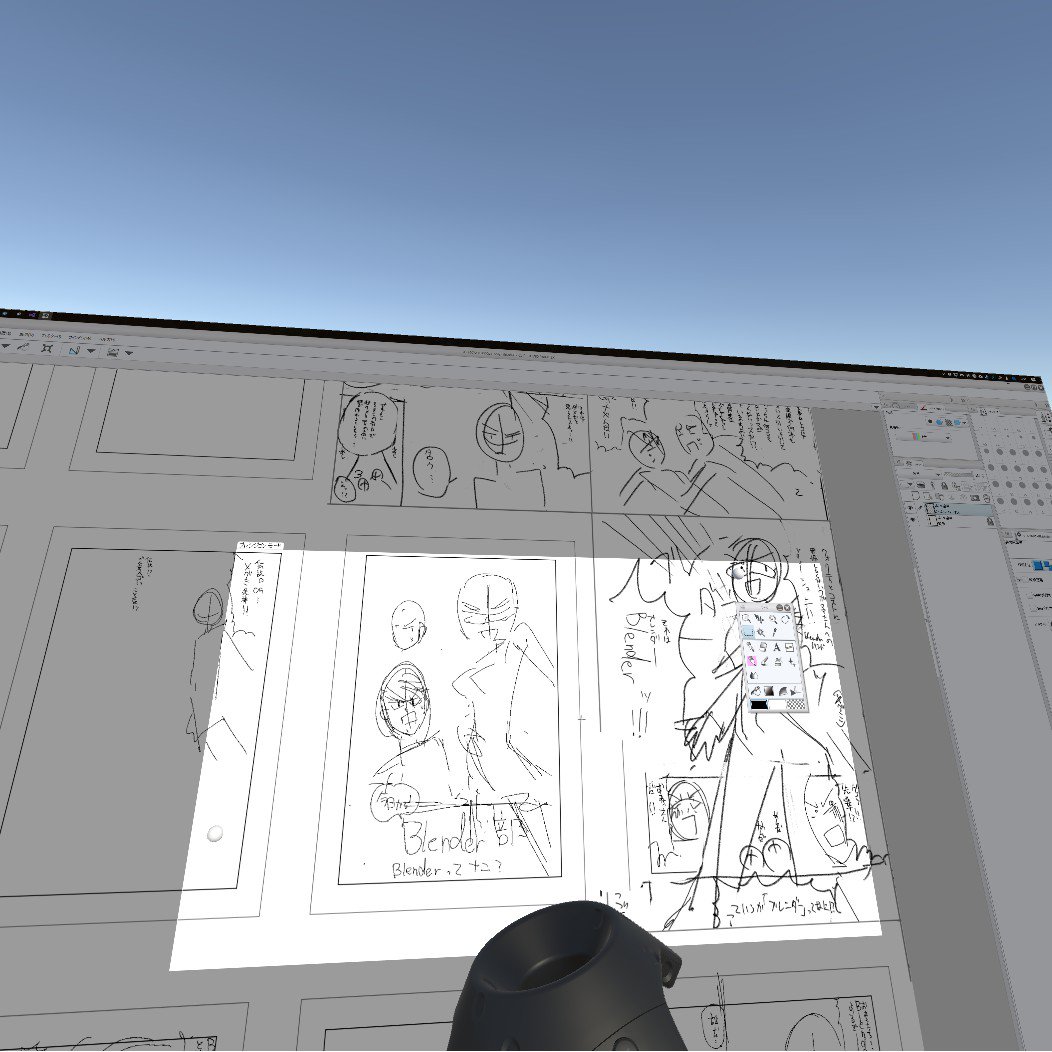
By synchronizing the tablet’s position in VR space and in real space, we gave a small 13-inch LCD tablet an infinite expanse. As a result, when drawing with the tablet, users can grasp the whole picture at a glance, eliminating the need to zoom in and out and scroll repeatedly.
Efficient spatial control of 3D scenes
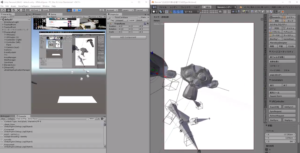
When setting up the layout, camera work, and animation of a 3D scene, directly manipulating 3D models and cameras in VR space enables intuitive, direct scene construction, which has improved work efficiency.
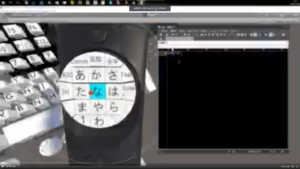
Touchpad text input
We implemented a smartphone-style touchpad for VR controllers. With existing giant virtual keyboards, input was inefficient, requiring users to type one key at a time with both hands; we achieved efficient, smartphone-style flick input.